Free estimate templates for contractors
One-page fillable PDF templates you can print or type into. Each one has trade-specific starter lines, a scope of work, exclusions, payment terms and signature lines. No signup, no watermark.
Want the totals worked out for you? Use the free estimate generator instead.
Choose a template for your trade
Preview the actual one-page PDF below. Download a copy before editing, save it under a new job name, and check the saved file before sharing it. The blank templates have editable fields; they do not calculate totals.
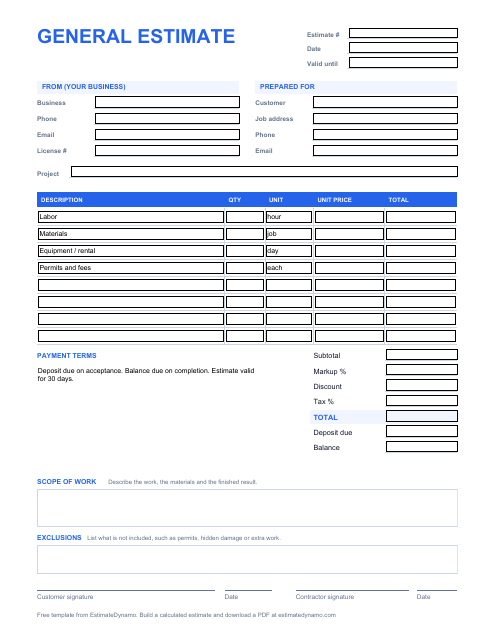
General contractor estimate template
Works for any trade: labor, materials, equipment and fees.
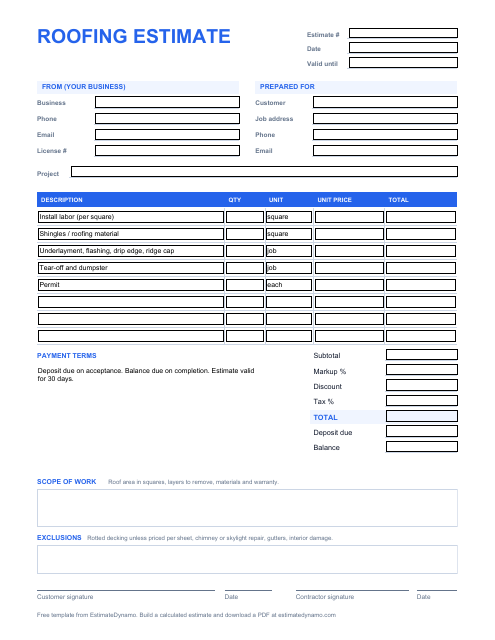
Roofing estimate template
Priced by the square, with tear-off, underlayment, flashing and permit lines.
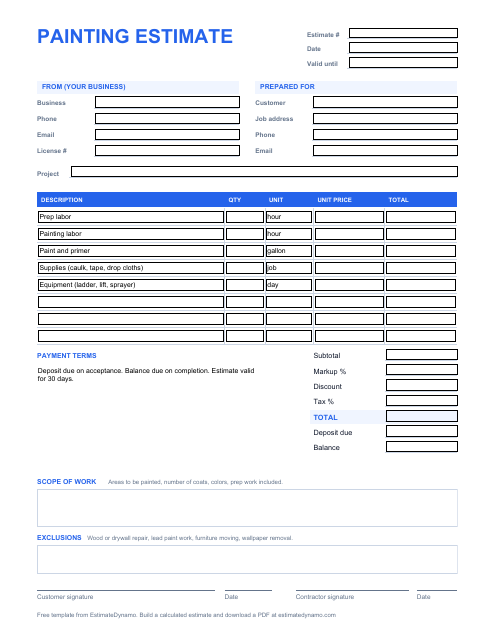
Painting estimate template
Prep and painting labor, paint by the gallon, supplies and equipment.
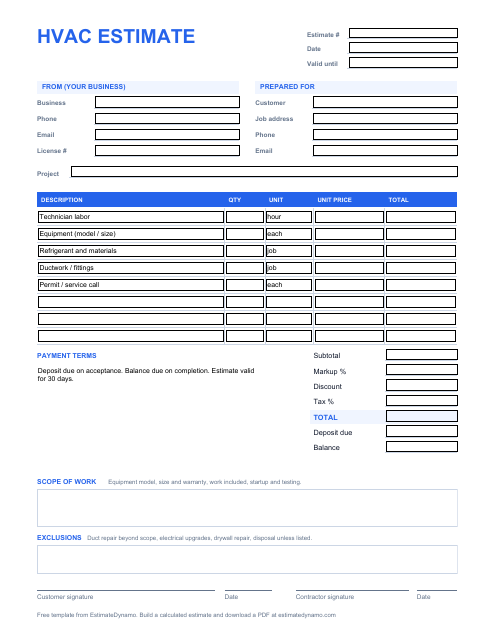
HVAC estimate template
Technician labor, equipment, refrigerant, ductwork and permit lines.
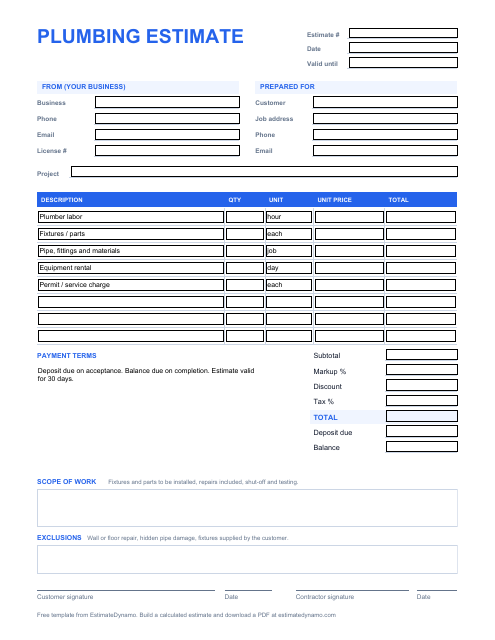
Plumbing estimate template
Plumber labor, fixtures, pipe and fittings, rental and service charge.
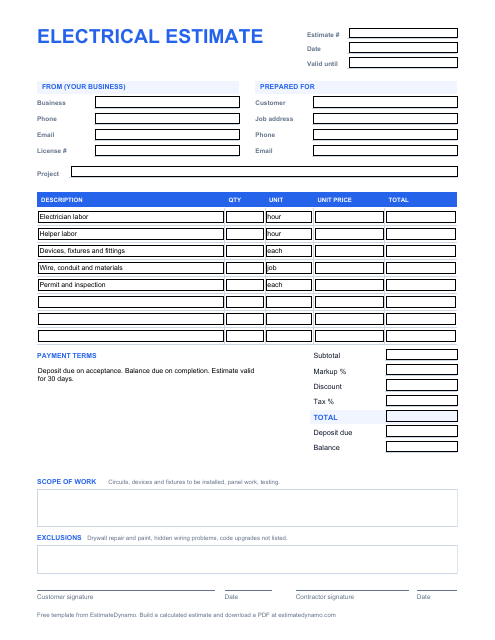
Electrical estimate template
Electrician and helper labor, devices, wire and conduit, inspection.
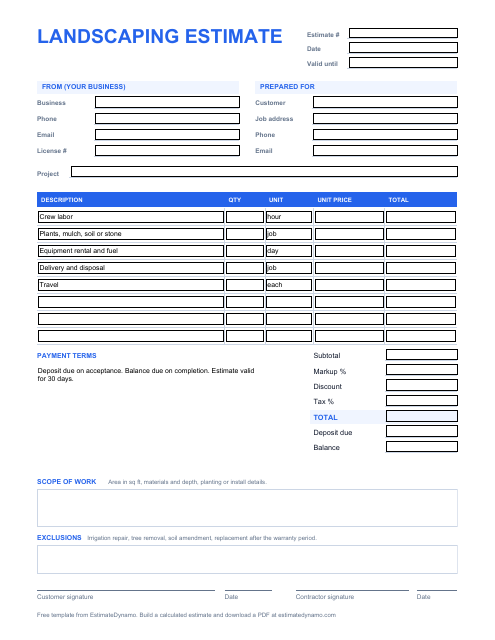
Landscaping estimate template
Crew labor, plants and mulch, equipment, delivery and disposal.
Blank template, worked example or online calculator?
Blank fillable PDF
Choose a trade above when you already have your quantities and rates. Type into the fields or print a copy. Add and verify the totals yourself.
Completed sample PDF
See how a fictional job is itemized. These samples demonstrate the math, not local prices or a recommended bid.
Online estimate generator
Enter your own figures for automatic line totals, markup, discount and tax, then download the finished estimate.
Build an estimate onlineHow to fill in an estimate
- Fill in your business details and the customer and job address.
- List each line of labor, materials, equipment and fees with a quantity and unit price.
- Add the lines for a subtotal, then add markup and tax and subtract any discount.
- Write the scope of work and what is excluded so there are no surprises later.
- Set the payment terms and how long the price is valid, then sign it.
Not sure what markup to use? Read markup vs margin for contractors and try the calculator. For help with wording, see how to write a contractor estimate.
Check the math before sending
For a fictional job, 8 person-hours at $45 cost $360. Add $315 materials, $60 equipment and $55 travel and disposal: $790 in included costs. A 25% markup adds $197.50, giving $987.50 before tax. That is a 20% margin on the included costs, not a 25% margin. Include overhead once and replace every example rate with your own costs.
For measured examples, use the electrical quantity worksheet or landscaping quantity worksheet. After sending an estimate, follow the guide to change orders and estimate follow-up to keep scope revisions documented.
Share a resource with your readers or students
If this library is useful to your clients, class or readers, you can share this page so they can choose the right trade and read the instructions. A link or attribution is appreciated, but is not required to use the free templates. Please describe them as blank fillable PDFs with manual totals.
Frequently asked questions
Are these estimate templates really free?
Yes. Each template is a free PDF with no signup. You can print it and fill it in by hand, or type into the fields on screen.
Can I type into the template?
Yes. The fields are fillable in most PDF viewers, including Adobe Acrobat, Chrome, Edge and Preview. The totals are not calculated automatically, so add them up yourself or use the online generator.
What should a contractor estimate include?
Your business details, the customer and job address, an itemized list of labor, materials and fees with quantities and prices, a written scope of work, exclusions, payment terms, how long the price is valid, and a signature line.
How do I calculate the total?
Multiply quantity by unit price for each line, add the lines for a subtotal, then add markup and tax and subtract any discount. The free estimate generator does this live and gives you a finished PDF.
Should I use an estimate or a quote?
Use an estimate when conditions are uncertain and a quote when you can fix the price for a defined scope. The guide on estimates, quotes, proposals and bids explains when to use each.